Aircraft Management
Manage a fleet of rotorcraft — registration, model, empty weight override, arm override, and per-aircraft operating status.
A purpose-built flight ops platform for rotorcrew — aircraft management, flight task workflow, weight & balance, flight records, cloud sync, and PDF dispatch, all on iPhone with Lock Screen and Dynamic Island Live Activity.
From pre-flight to dispatch release, from engine-on timing to PDF export — FlightFlow keeps every flight-ops record in one local-first iOS application.
Manage a fleet of rotorcraft — registration, model, empty weight override, arm override, and per-aircraft operating status.
Step-by-step task wizard: aircraft, crew, pax, fuel, pre-flight checklist. Each leg is timed independently with engine-on / engine-off events.
Enter PIC, SIC, pax and fuel; FlightFlow computes total weight, moment and CG against the aircraft envelope — dispatch-ready result.
Per-leg engine-on / off-off with cycle counts, leg role, origin-destination and remarks — fully backfillable, fully traceable.
End-to-end encrypted sync across iPhone and iPad. Restore on a fresh device picks up exactly where the last task left off.
One-tap signed dispatch release — crew, legs, performance and PIC signature, ready for AirDrop, email or messaging.
Pick aircraft, mission type, enter crew / pax / fuel. FlightFlow computes total weight and CG envelope, generates the W&B table.
Tap engine-on to start leg timing — Live Activity pushes to Lock Screen and Dynamic Island; cycles auto-increment per leg.
One tap to close the leg; duration is written automatically. Missed legs can be backfilled later — the record stays complete.
PIC signs in-app; FlightFlow generates a complete PDF dispatch release and shares via AirDrop, email or messaging.
Deep navy palette, large rounded cards, every high-frequency action within thumb reach.
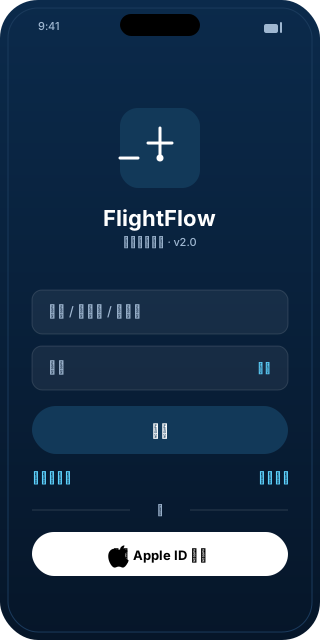
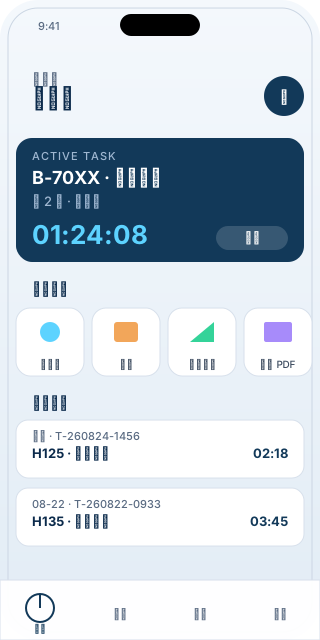
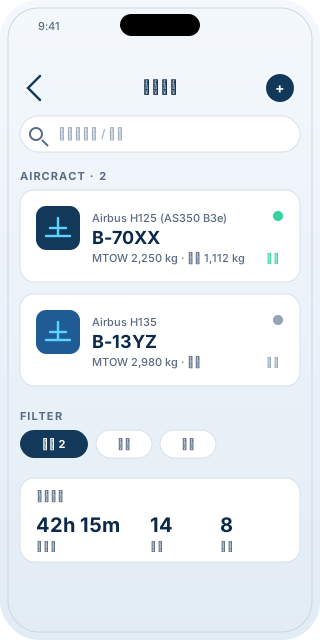
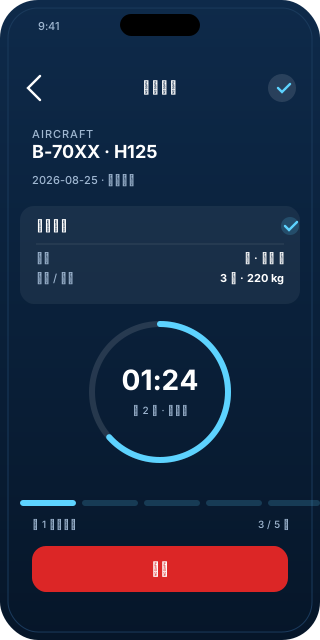
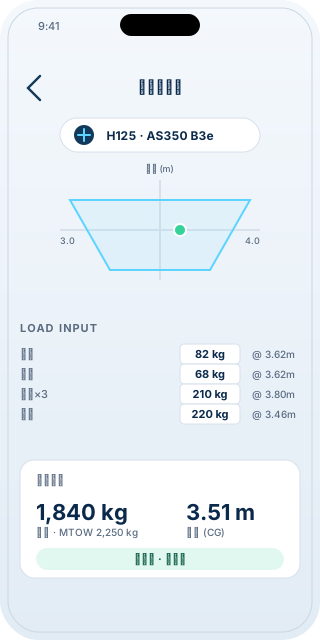
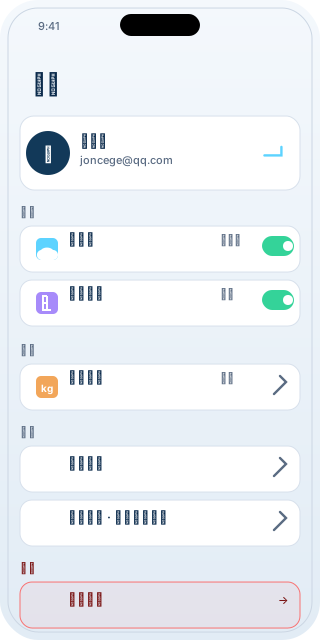
Screenshots are stylized in-app mocks aligned with the live UI for marketing purposes.
Generic rotorcraft (single / twin light and medium) presets — H125, H135, Bell 206, S-76 and similar. Custom empty-weight and arm values can be entered in Settings for other types.
By default everything is stored on-device in encrypted Keychain. Cloud sync is opt-in via Sign-in; transfers are end-to-end encrypted. You can export a PDF or backup bundle at any time.
Yes. The pre-flight wizard, engine-on timing, weight & balance, performance stats and PDF export all work fully offline. Only sign-in and cloud sync require a network.
iOS 17 and later. iPhone 14 Pro or newer is recommended for the full Dynamic Island experience. iPad runs in compatibility mode.
Open Settings → Account → Delete Account, or visit Account Deletion for details.
Free install. Every core feature works out of the box.
Download on the App StoreApp Store URL placeholder — replace # with the live App Store link before submission.